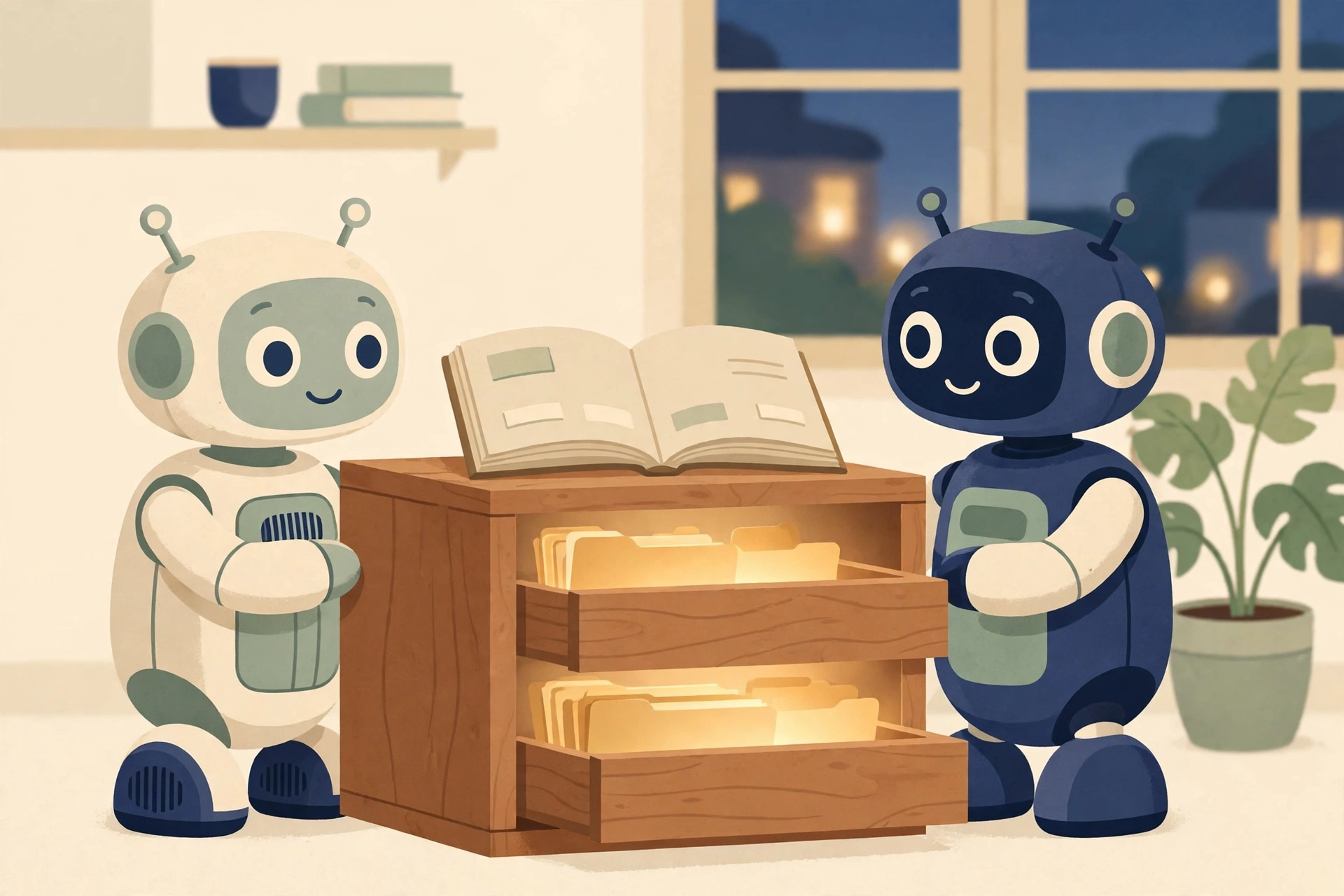
An AI assistant is only as useful as what it remembers. Mine kept its memory inside chat threads, and that was the problem.
Here is the failure that proved it. One evening I told an assistant I use on my phone that my son was not interested in ski club. Registration deadline: closed issue, no action needed. The next day, my main assistant flagged that same registration deadline at me as urgent. It had never heard the decision. Both assistants were working hard. Neither one had the full picture, because the facts lived in two separate conversations.
That is not an AI problem. That is a filing problem. So we fixed the filing.
The concept: memory you own, in files you control
The fix was not a better chatbot. It was a folder.
We moved my assistant’s long-term memory out of chat threads and into a Knowledge Base in Google Drive — ordinary Docs and Sheets that I own, can open, can edit, and can take anywhere. The assistant’s built-in memory still exists, but it is demoted to what it should be: a working cache. The files are the record.
Five rules run the whole system:
The files are the source of truth. If a fact matters, it lives in the Knowledge Base. If the assistant’s memory and a file disagree, the file wins and the assistant flags the conflict.
One fact, one home. A birthday lives in one place. A prescription lives in one place. Nothing gets copied into three documents to drift out of sync. Other documents link to the home instead of duplicating it.
Index first, then only what the task needs. The assistant reads a Start Here index, then the standing rules, then only the specific file the current task touches. It does not load everything, every time. That keeps it fast and keeps it honest about what it actually read.
Write it back the same session. When the assistant learns something durable — a decision, a date, a preference, an outcome — it saves it to its canonical home before the conversation ends. Dated. Source noted. Corrections replace the old fact in place instead of piling up next to it.
Private by default, shared on purpose. Nothing is shared because it exists. A file gets shared when there is a reason, with a named person, at a named access level. More on that below, because it is where most people will get this wrong.
What changed once the memory lived in files
The cold starts ended. I stopped re-explaining my household to a machine every few days.
Corrections started sticking. When I say “that is not how this works anymore,” the fix lands in the file, and every future conversation starts from the corrected version — not from the assistant’s best recollection of an old chat.
The second change was bigger. My wife got her own assistant, set up the same way, with her own Knowledge Base in her own Drive. Two assistants, two households’ worth of context — except it is one household. The grocery list my assistant updates is the list her assistant should read. The family birthdays, the meal plans, the vehicle records: one household, one set of facts, two assistants who both needed them.
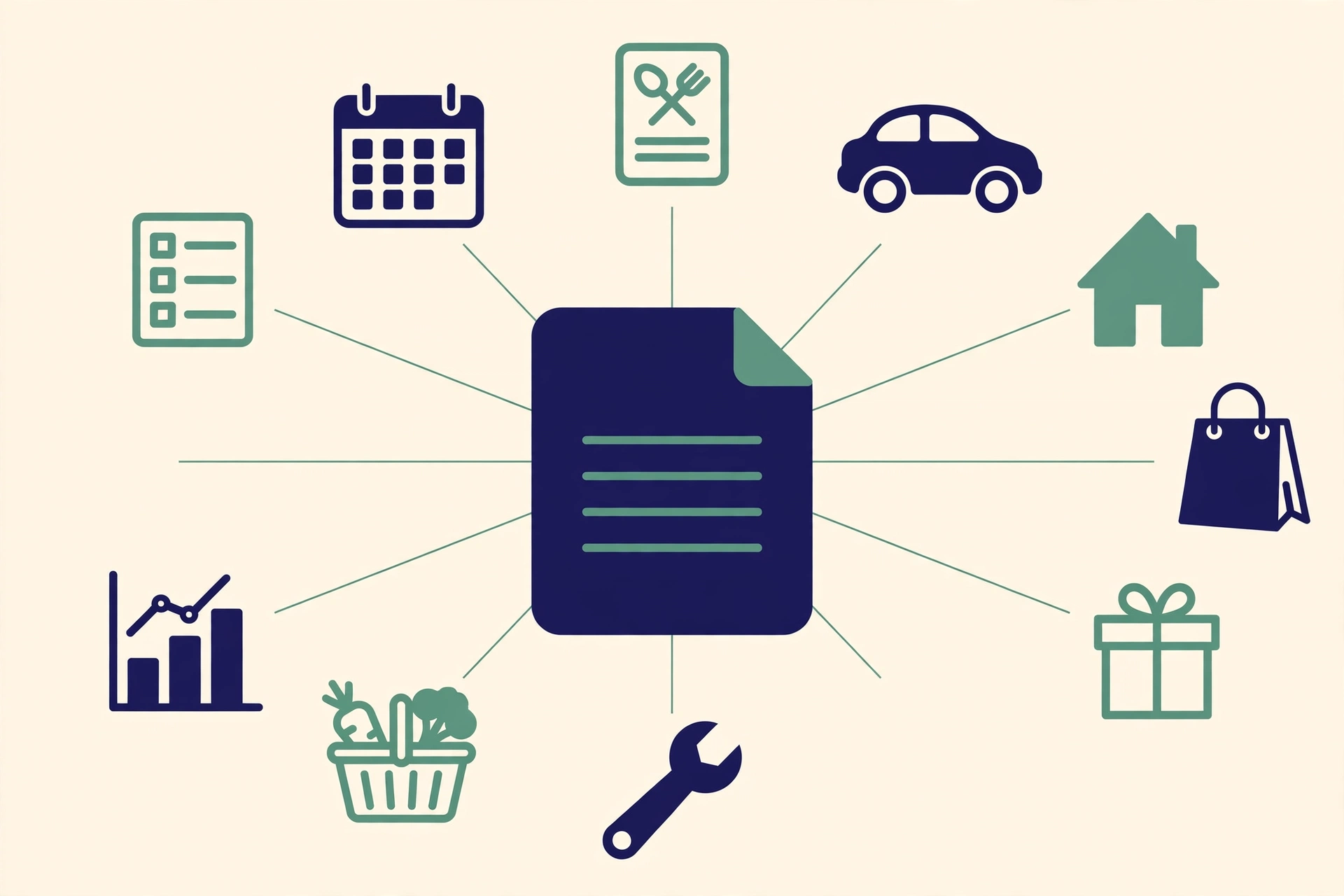
So we built a shared layer: one index document that lists the household files both assistants use, with each file shared between us. Her assistant checks the shared index, finds the right file, and updates that file directly. No copies. No “my assistant knows it but hers doesn’t.”
The setup, step by step
Everything below was done by direction, not by clicking. I told my assistant what I wanted. It did the work, wrote the prompts my wife’s assistant needed, and shared the files on my say-so. That division of labor is the point of having the assistant in the first place.
Step 1 — Connect the drive. The assistant needs read and write access to Google Drive. No access, no memory system. This is the one prerequisite everything else stands on.
Step 2 — Build the skeleton. One folder, named Knowledge Base. Inside it: a Start Here index doc, a “What Agents Should Know” doc with the standing rules, a Profile doc, a Preferences doc, and an Archive folder for retired material. Five items. That is the whole architecture.
Step 3 — Write the operating rules down. The “What Agents Should Know” doc carries the five rules above, plus the safety rails: never store passwords, codes, or full account numbers in any file; ask before sending a message, paying for anything, deleting anything, or sharing anything. If the rules are not written down, they do not survive the next conversation.
Step 4 — Seed it, then use it. Fill in Profile and Preferences with the basics: household, important people, how you communicate, recurring responsibilities. Then just work. The base grows from real use — a weekly sync reviews recent conversations, moves durable facts into their homes, and reconciles anything stale.
Step 5 — Set up the second person the same way. My assistant wrote a setup prompt for my wife’s assistant: build the same skeleton in her Drive, same rules, her own Profile and Preferences. She pasted it into her assistant and answered its seed questions. Her memory is hers. That separation matters, and it is what makes the shared layer a choice instead of a merge.
Step 6 — Create the shared index. One document — a simple shared index — listing the household files both assistants use, each with a link and a line on what it is for. Ours has ten: family birthdays, shopping list, grocery log, meal plans, recipes, restaurant orders, home maintenance log, vehicle details, auto maintenance log, and the big projects budget.
Step 7 — Share every file, one by one. This is the step with the trap in it: listing a file in the index does not share it. An index is a map, not a key. Each of the ten files had to be shared individually, with edit access, and then verified — I had the assistant read back the permission list on every file and confirm exactly who was on it.
Step 8 — Register the shared index with the second assistant. My assistant wrote a second prompt for my wife’s. It tells her assistant: record this shared index in your own Start Here and your own rules doc; when household information belongs in one of these files, find it through the index and update the shared file directly; do not keep your own copy; when a new file becomes shared household information, add it to the shared index too. She pasted it in. Done.
Step 9 — Record the provenance. The shared index now carries a file details section: for every shared file, when it was created, who created it, when it was last updated, and who updated it. When two people and two assistants can all edit the same grocery log, “who changed this last” stops being a trivia question.
What we deliberately did not share
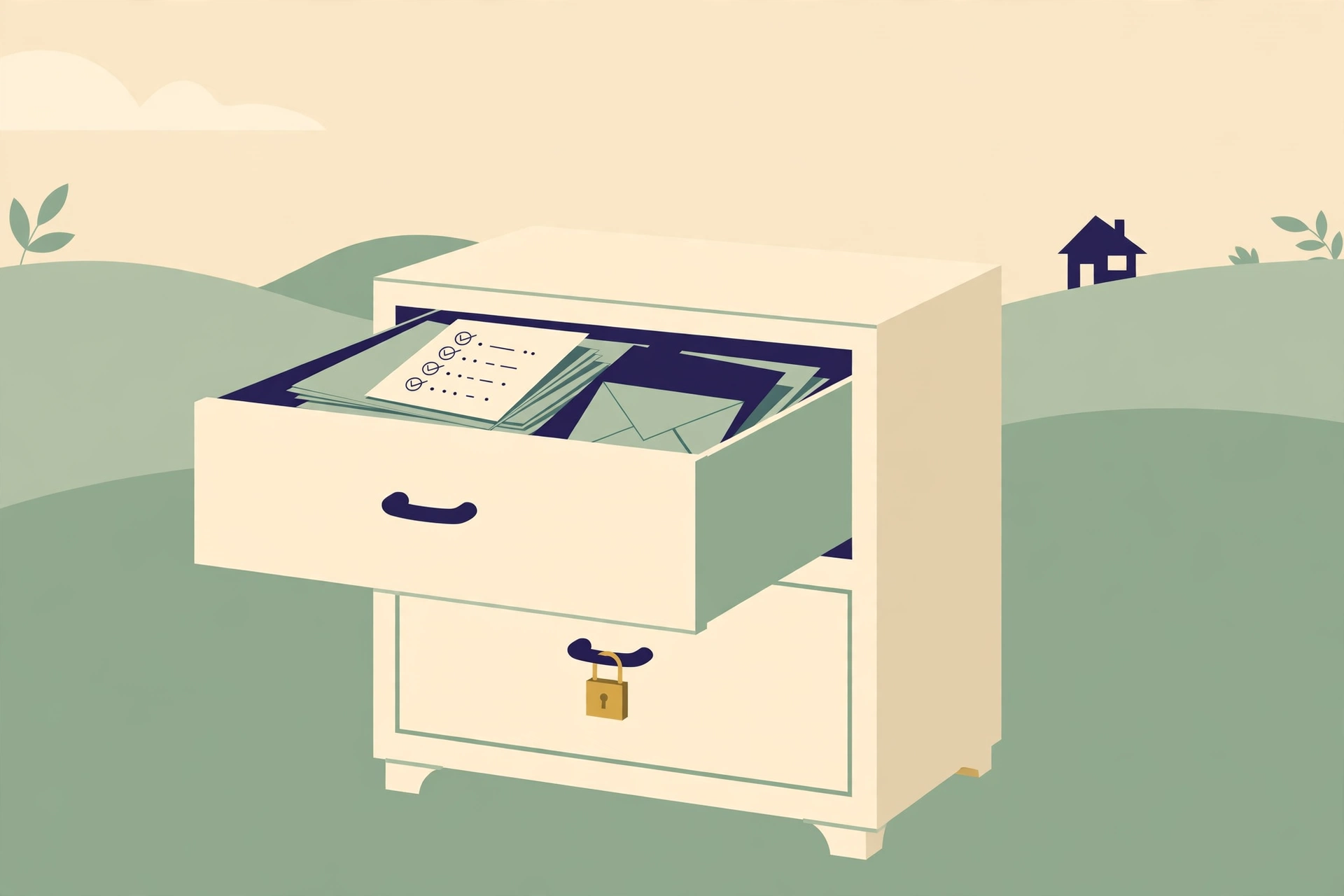
Nineteen items sit in my Knowledge Base, and eleven of them are not shared. Two of the ten shared files live outside the base entirely. And the folder itself is not shared either — my wife can reach the ten files she was given, and nothing else.
Not shared: my agent setup docs (the Start Here index, the rules doc, my Profile and Preferences, my inbox strategy), health files (the family prescriptions record, the nutrition log, the benefits reference), and money files — recurring charges inside the base, and my trade journal and financial workbook, which live outside it. Plus a personal writing project for my kids, and the archive.
That boundary is not a lack of trust. It is the design. Health records and finances do not become household reference material just because the grocery list did. Sharing is per file, per person, on purpose — and the assistant’s rules say private files stay out of the shared index unless we both agree otherwise.
Two honest lessons from the audit
Sharing changes the timestamps. The night we shared the ten files, every one of them showed “last updated” as that evening — because a permission change counts as a modification. Nothing about the contents had changed. We noted that in the index so nobody reads those stamps wrong later. From here on, the stamps mean what they should: real edits, by a real person or an assistant acting for one.
Check the raw permission list before you panic. My assistant’s first access audit reported a mystery extra entry on every file. It turned out to be a counting error in the audit itself — it had tallied my own owner permission as if it were a stranger. The full permission lists, read directly, showed exactly two people on the shared files: me and my wife. The lesson generalizes: when an automated check reports an access problem, verify against the source before you act on the alarm.
Where this leaves us
Two assistants now work from one set of household facts. Decisions made in one conversation are visible to the other. The ski club failure — telling one assistant something the other never heard — has a structural fix, not a hopeful one.
The assistant reflects the system you build around it. It does not build the system.
If you run an assistant at home — or you and a partner each run one — where does its memory actually live, and who else can see it? I am curious how other households are drawing that line.
Setup notes for anyone replicating this: the whole structure is five documents and a folder per person, one shared index, and two short prompts — one to build each Knowledge Base, one to register the shared index. The tools are ordinary: Google Drive, Docs, and Sheets. The discipline is the product: one home per fact, write it back the same day, share on purpose.